
Whiteout Survival Account
Your Whiteout Survival account keeps your Chief safe when you change phones, and you set that up by binding it to Google Play, Apple, Facebook or Game Center in Settings. Once it is bound, you log in on any other device with the same login and your progress comes with you. If you lose access, in-game Customer Support can recover the account from details such as your State ID, linked emails and a purchase receipt. One account holds up to 10 characters, spread over different States. Checked in November 2026.
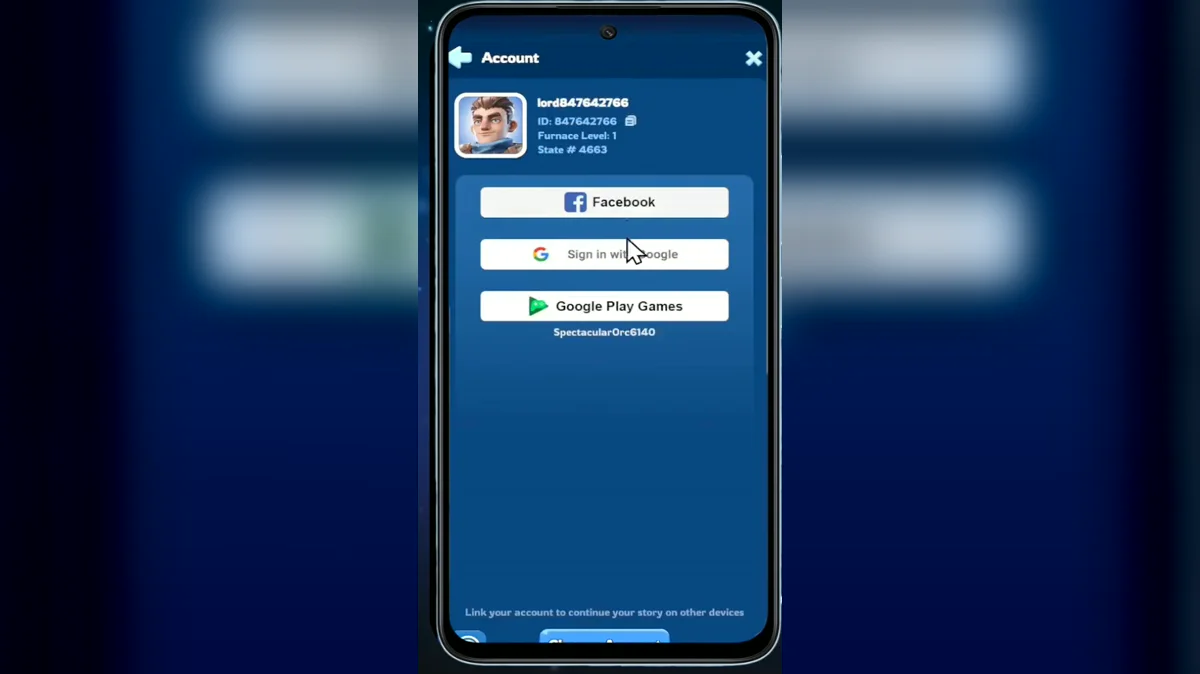
How to Bind Your Account
Binding ties your Chief to a login you already own, so the progress belongs to that login and not to one phone. Open your avatar, go to Settings, then choose Account. The game offers these options:
- Google Play
- Apple
- Game Center
Pick the one you will still have in a year, because it is the key to getting back in. The Account screen shows the current binding, and the Characters screen is in the same Settings menu. Never hand your login details to another player, not even to an alliance mate: the support team asks you to keep that information to yourself.
Log In on Another Device
To play on a second phone, a tablet or a PC, install the game there and log in with the same login you bound. Your Chief and progress sync from the bound account. If the account was never bound, bind it on the old device first and then log in on the new one.
Two devices cannot stay in the same session. When you log in on a new device, the other one asks you to sign in again, so you can keep both installed and switch between them. The PC guide covers the ways to play on a computer.
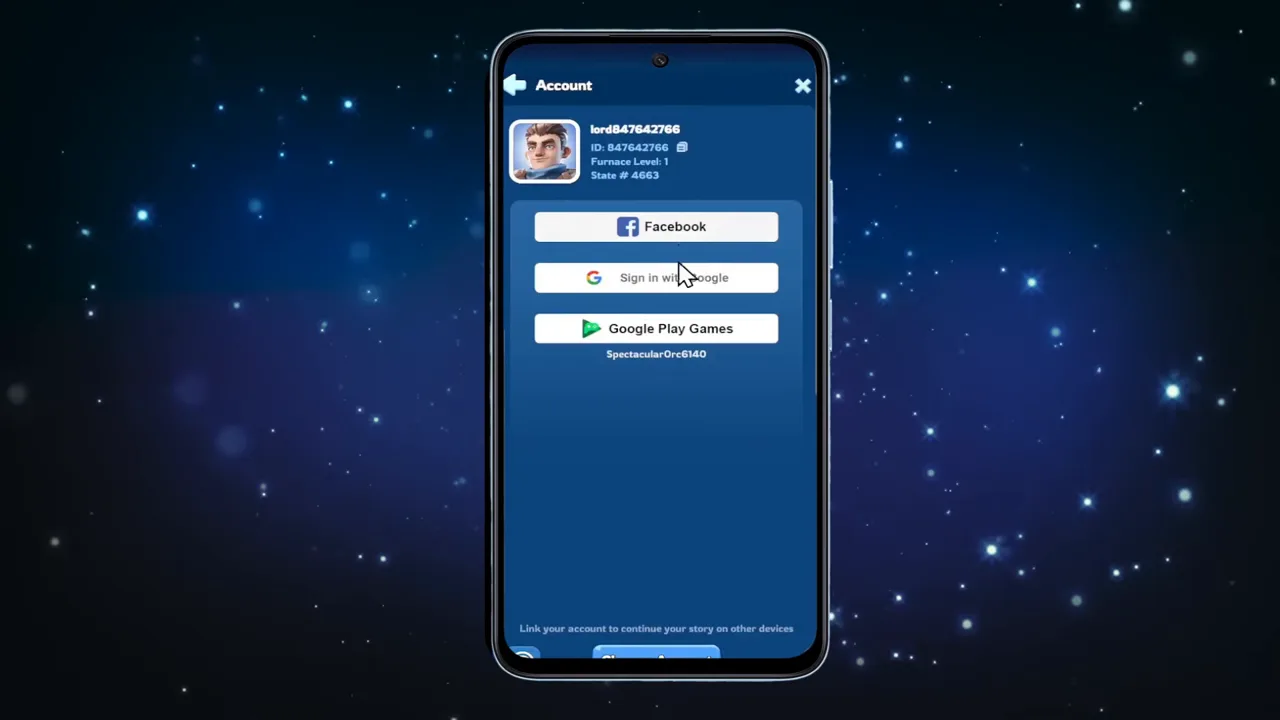
The video shows the Account window on a phone and the steps to link the game to Facebook, Google or Google Play Games so the progress is saved.
Account Recovery Through Support
If you lost access to your account, contact Customer Support from inside the game. Support cannot guess who you are, so send details that only the owner knows. Support asks for the following:
| Detail | What to send |
|---|---|
| Account identifiers | Account ID if known, State ID, linked social accounts and their email addresses. |
| Proof of purchase | A purchase receipt associated with the lost account. |
| Chief details | Nickname, Chief level, Gems and Heroes information. |
The same route works when someone else logs in to your account. Write to customer service with your account information, and support can replace the bound social account with a new one. Right after a replacement, the replacement service is unavailable for a short time.
Switching from one login to another, for example from Google Play to Apple, also goes through support. Keep your receipts and screenshots of your Chief profile in a safe place, because the more details you can send, the easier it is to prove the account is yours.
Characters and States
One account can run several characters, and each new character starts a separate journey in another State. Open Settings and choose Characters to create a character or switch to another one. Your bound login stays the same for all of them.
| Limit | Number |
|---|---|
| Characters on one account | 10 |
| New characters per State | 2 |
| Characters per State, transfers included | 4 |
A second character in a different State means a second city to run. If you want to move an existing character to another State instead, that is a separate event with its own rules. Read the State Transfer guide for the Transfer Pass cost and the 25-day cooldown, and the teleport guide for short moves inside your own State.
Change Your Chief Name
A Chief Rename Card changes your name. Open the avatar, select the pen icon and enter the new name. The first change costs 0 Gems, and every later change costs 400 Gems, so pick a name you can live with.
The Chief Profile lets you customize your Chief name and avatar.
Delete a Character or Account
Deleting a character and deleting the whole account are different actions. Removing an account deletes all characters associated with it, and the request is processed on a 15-business-day review. After it is approved, the game asks you to tap Delete. The final countdown then runs 24 hours, and you can cancel the deletion from the login screen before the deadline.
Deleting a single character is faster: it is either immediate or a 24-hour wait, so read the timer in the confirmation window before you accept. Uninstalling the app does nothing to the account itself, because the app on your phone and the account on the server are separate.
An account that nobody logs in to can also disappear. Century Games may terminate an account after 180 days of inactivity, so log in once before a long break.
Buying and Selling Accounts
Buying or selling a Whiteout Survival account breaks the rules of the game. An account is personal and may not be transferred or made available to other people, whether for free or for money. If it happens anyway, Century Games reserves the right to terminate the account immediately without a refund.
Frequently Asked Questions
How do I recover my Whiteout Survival account?
Contact in-game Customer Support and give them what proves the account is yours: your Account ID if you know it, your State ID, the linked social accounts with their email addresses, a purchase receipt, and details such as your nickname, Chief level, Gems and Heroes. Support can also replace the bound social account if someone else got into it.
How do I log in on a new phone or PC?
Bind the account first through Avatar, then Settings, then Account, then install the game on the new device and log in with the same Google Play, Apple, Facebook or Game Center login. Progress syncs from the bound account. When you log in on a second device, the first device asks you to sign in again.
How many characters can one account have?
An account can hold up to 10 characters. Each State accepts 2 newly created characters per account, and 4 characters in total once State Transfers are counted. Open the Characters screen in Settings to create a new character or switch between the ones you have.
How do I change my Chief name?
Use a Chief Rename Card. Open your avatar, tap the pen icon and type the new name. The first name change costs 0 Gems and later changes cost 400 Gems each. Your Chief Profile also lets you change the avatar.
Can I delete my Whiteout Survival account?
Yes, through a deletion request that Century Games reviews for 15 business days. After approval the game asks you to tap Delete, and the final countdown runs 24 hours. You can cancel from the login screen before the deadline. Deleting the account removes every character on it, while uninstalling the app does not.
Is it safe to buy or sell a Whiteout Survival account?
No. The rules say an account is personal and may not be transferred or made available to other people. Century Games can terminate the account immediately without a refund, so both the seller and the buyer risk losing access and everything invested in it.
Read Next
Planning to move to another server? The State Transfer guide explains the passes and rules. For fast moves inside your State, see the teleport guide, and for spending Gems wisely, the VIP guide. New players can start with the beginner guide, and every other topic sits in the guides hub.