
Whiteout Survival Download
Whiteout Survival is free to download from official stores only: Google Play on Android, the App Store on iPhone and iPad, and Google Play Games on Windows PC. The developer and publisher is Century Games Pte. Ltd. The game itself costs nothing, and purchases inside it are optional. Bind your game account before you install on a second device, so your city follows you. Checked in November 2026.
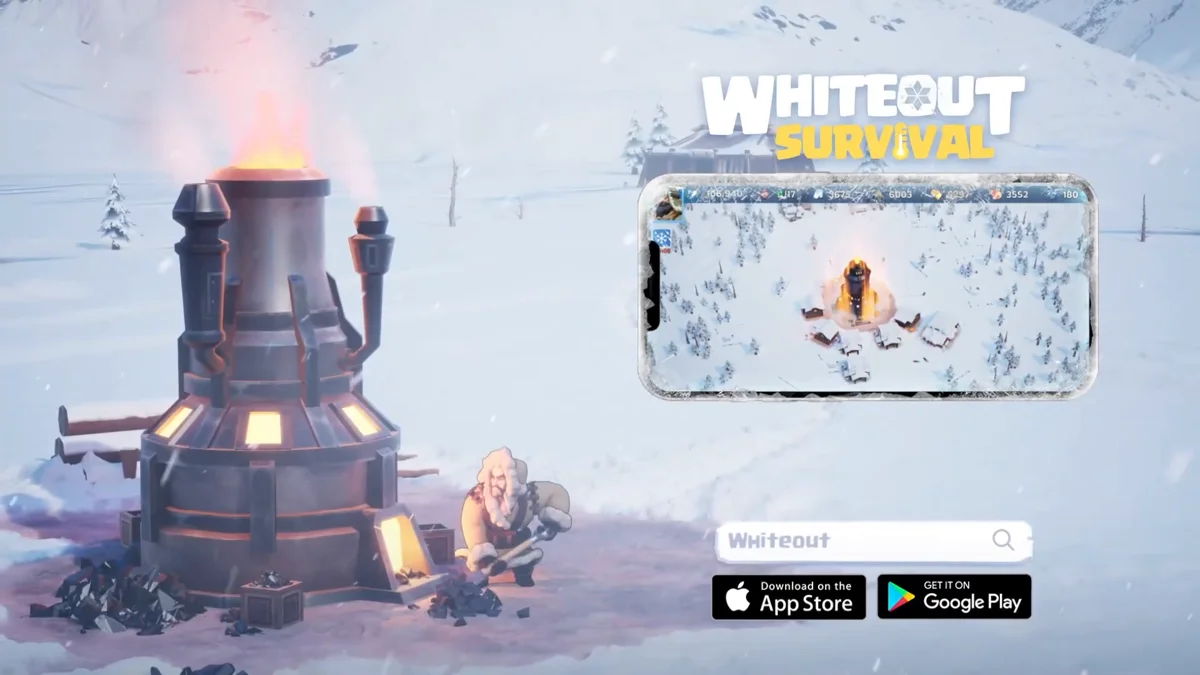
Official Download Links
These are the only places to get the game. Each link opens the official store page of Century Games Pte. Ltd.
| Platform | Official store | Requires |
|---|---|---|
| Android phones and tablets | Google Play | Android 7.0 or later |
| iPhone and iPad | App Store | iOS 13.0 or later |
| Mac with Apple silicon | App Store | macOS 11.0 or later, Apple M1 chip or later |
| Windows PC | Google Play Games | Google Play Games on PC |
The Android package name is com.gof.global. If a page offers a file with another name or asks you to turn off device security to install it, close it. The developer's own game page points to the same stores.
Download on Android
Open Google Play, search for Whiteout Survival and check that the developer is Century Games Pte. Ltd. Tap Install, then open the game and let it finish the extra download inside the app. The store lists a size of about 872 MB for version 1.34.19, and the game adds more data after the first start.
Google Play rates the game Everyone 10+ in the United States. The listing marks it as free with in-app purchases, so you can turn on purchase approval in Google Play if a child plays on the device.
Download on iPhone, iPad and Mac
On the App Store, search for Whiteout Survival and tap Get. The App Store rates it 9+, lists a download of about 1 GB and needs iOS 13.0 or later. The current version there is 1.34.16, released on October 20, 2026, and the game first appeared on the App Store on February 12, 2023.
The same App Store app runs on Macs with an M1 chip or newer and macOS 11.0 or later. It is the same app, not a separate Mac edition. The game supports 16 languages on iOS, including English, Spanish, German, French, Portuguese, Turkish, Italian and Polish.
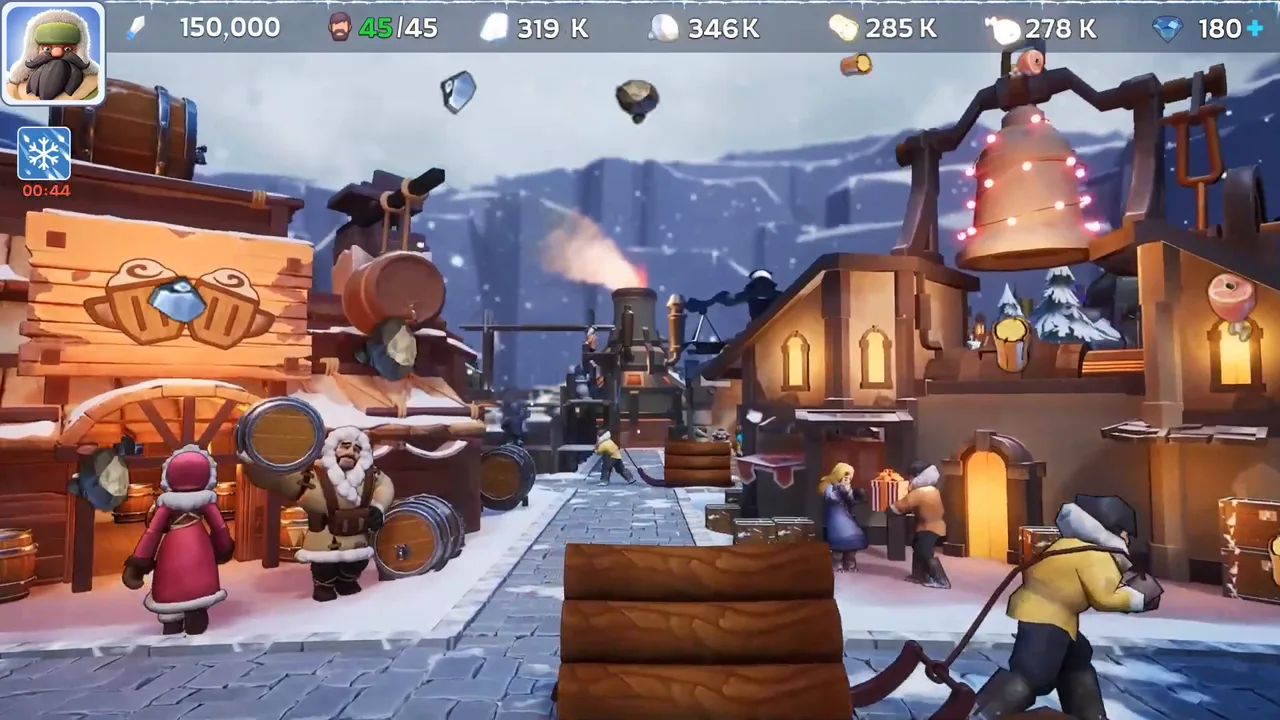
The official trailer shows the frozen settlement, its survivors and the Furnace that keeps the city alive, and it ends on the App Store and Google Play badges.
Download on Windows PC
Century Games links Windows players to the Google Play store for PC, and that store installs games through Google Play Games on PC. You sign in with a Google account, install Whiteout Survival from there and play with a keyboard and mouse. The PC guide lists the system requirements, emulator options and what to do about Steam.
Keep Your Progress on Every Device
Your city lives on the game server, not on the phone. To move it, link the game to Facebook, Google Play, Apple or Game Center through Chief Profile (avatar), then Settings, then Account. After that, sign in with the same linked account on the new device. A guest account that was never linked cannot be moved, so bind it before you uninstall or reset the phone.
Frequently Asked Questions
Is Whiteout Survival free?
Yes. All three official versions are free to download and play, and the game sells optional in-app purchases such as packs and VIP. You never need to pay to install it, so a site that asks for money for the download or for a modified file is not an official source.
Can I download Whiteout Survival on a Mac?
On Apple silicon Macs, yes. The App Store version lists macOS 11.0 or later and an Apple M1 chip or later, so you install the same iPhone and iPad app from the Mac App Store. There is no separate macOS version, and Intel Macs are not listed.
Which devices can run Whiteout Survival?
Phones and tablets with Android 7.0 or later and iPhones or iPads with iOS 13.0 or later. On Windows the game runs through Google Play Games, which has its own requirements. The PC guide lists them, including the processor, memory and SSD space it asks for.
How do I keep my progress when I change phones?
Bind the game account first. Open your Chief Profile by tapping the avatar, then Settings and Account, and link Facebook, Google Play, Apple or Game Center. On the new device, install the game and sign in with the same linked account. A guest account without binding cannot be moved.
Why does Whiteout Survival need an extra download after install?
The store app is followed by an expansion pack inside the game. If it fails, the game text asks you to check your connection, free storage space and disk permissions, then try again. A full iPhone download is about 1 GB, so leave room for updates as well.
Read Next
New to the game? Start with the beginner guide, redeem free rewards on the gift codes page, or set up the game on a computer with the PC guide.