
Whiteout Survival Foundry Battle
Foundry Battle in Whiteout Survival puts 2 alliances on a battlefield for 60 minutes to earn Alliance Arsenal Points through building control. Beginners can contribute by holding assigned buildings and collecting Arsenal Supplies, while stronger marches contest the production sites. The winning alliance has the higher team score when the battle ends. Checked in November 2026.
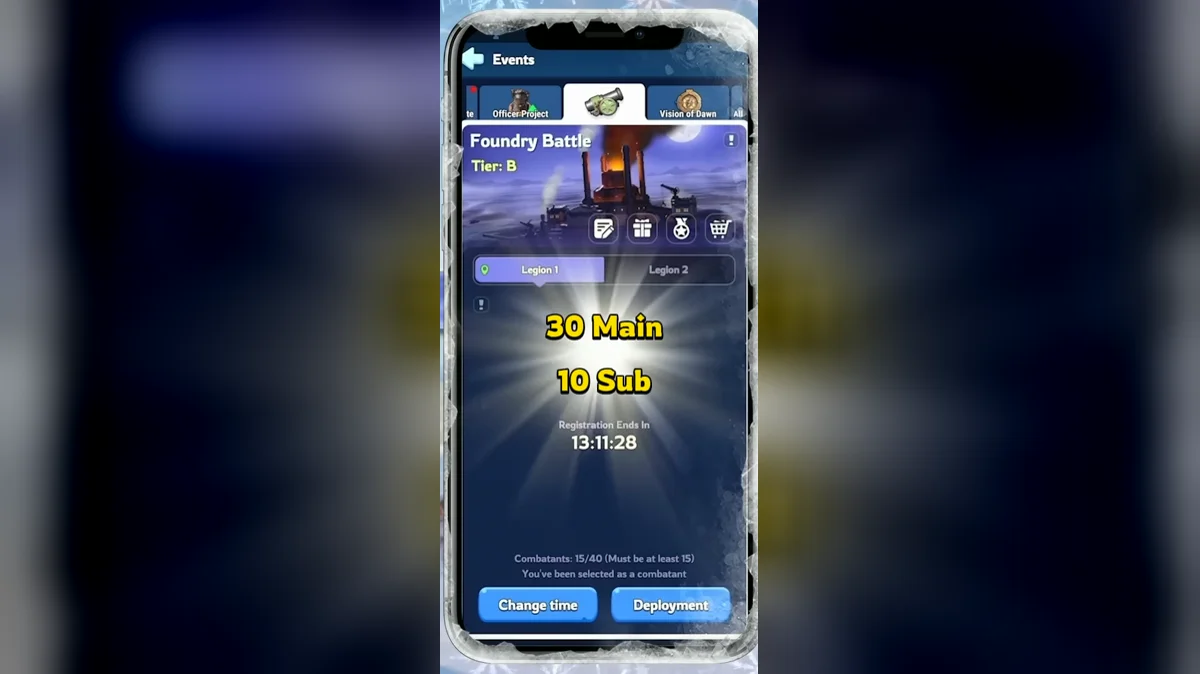
Beginner Roles
Start with an assigned job: attack, defend or collect. Guides recommend organizing these responsibilities before the match so the whole legion does not chase the same building. An attack group contests control, defenders keep occupied sites producing, and collectors prepare to take the supplies released when a stored-points building changes hands.
Ask which objective you should cover and where you should move after it changes owner. That gives a new player a useful next action without requiring them to lead the strongest rally. Officers should also explain the difference between personal points and Alliance Arsenal Points before members spend the match attacking cities for their own score.
Guides recommend Jessie or Jasser as attack joiners and Sergey or Patrick for defense. Agree on that role with the rally leader before saving the march. A suggested starting troop split is 50% Infantry, 20% Lancer and 30% Marksman, adjusted to the heroes in your squad.
Use the troop formation reference for the class split and the hero comparison for your roster. The goal is a prepared march for your actual job, rather than a team copied from an unrelated event.
Map Buildings and Points
The Imperial Foundry provides the largest individual building income, but several smaller sites also score throughout the battle. First-control points reward securing a building, and the per-minute column rewards continued occupation. The table lists each building type separately, including the utility structures that also earn points.
| Building | Count | First control | Points per minute each |
|---|---|---|---|
| Imperial Foundry | 1 | 9,000 | 1,800 |
| Prototype Site | 2 | 6,000 | 1,200 |
| Repair Facility | 4 | 3,000 | 600 |
| Boiler Room | 1 | 1,200 | 240 |
| Transit Station | 1 | 1,200 | 240 |
| Munitions Warehouse | 1 | 1,200 | 240 |
| Mercenary Camp | 1 | 1,200 | 240 |
Do not read the Imperial Foundry row as a reason to abandon every other site. Prototype Sites and Repair Facilities keep producing while a central fight is unresolved. Compare what your legion can hold with what it would surrender by moving every march toward a single contested objective.
The Boiler Room reduces control time by 50%, and the Transit Station cuts teleport cooldown by 50%. Guides recommend taking those utility buildings early to improve capture speed and movement. Their value includes the effect on the rest of the map, not only the points displayed in their own rows.
The Munitions Warehouse gives a 15% damage bonus and 15% reduction to damage taken. Check the Mercenary Camp panel for the strikes available in your battle. Treat these later objectives as part of the team's capture plan rather than leaving them for whoever notices first.
Opening and Later Phases
The opening map offers Prototype Sites, Repair Facilities, the Boiler Room and Transit Station. Later, the Imperial Foundry, Munitions Warehouse and Mercenary Camp become available. Plan the opening assignments around those unlocks so a march is ready to contest the next objective instead of reacting after the opponent has taken it.
The later-building opening is listed at 15 minutes after the start, with Weapon Workshops appearing from around minute 30. Follow the battlefield countdown for the exact transition in your match. Weapon Workshops arrive in waves and provide points by gathering weapons; they do not add a new attack type to your march.
During the opening, guides favor securing capture-time and teleport utility. As production buildings open, reassess which targets the attack group can take and which existing sites need defenders. In the workshop stage, collection becomes another way to score rather than a reason for the entire legion to abandon controlled buildings.
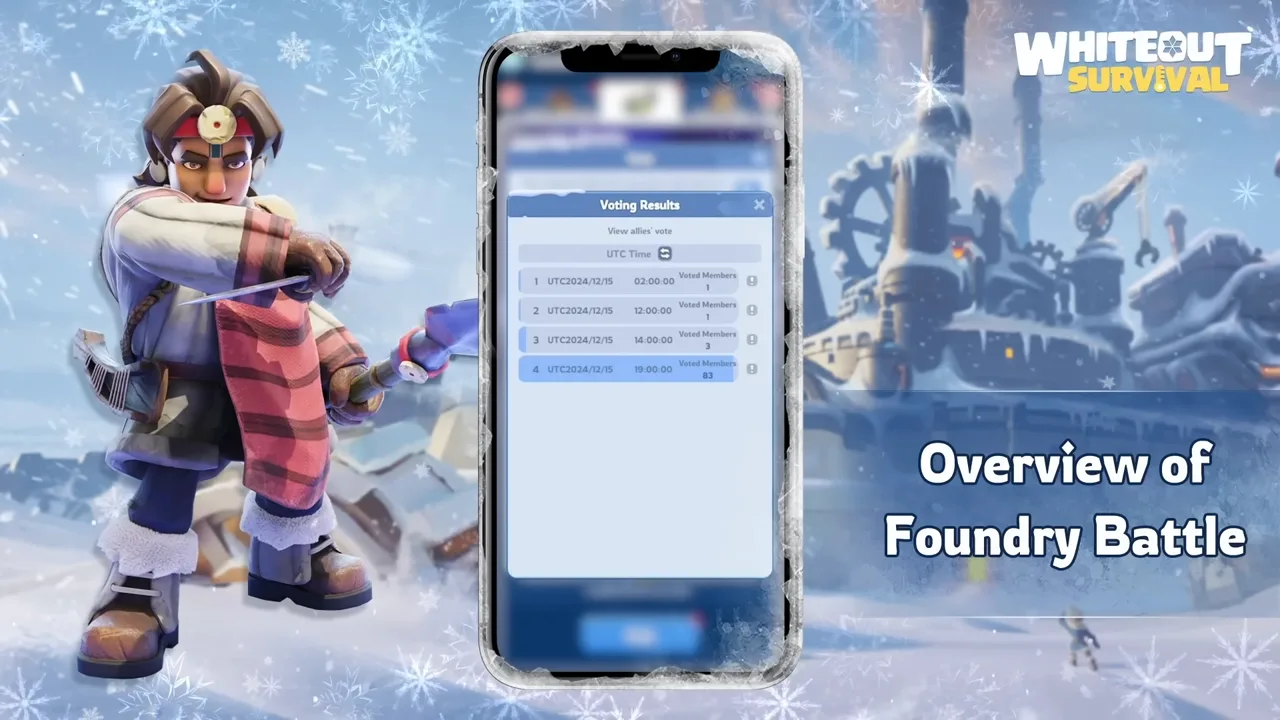
The video from the game's own Beginner's Book series covers the registration phase, Arsenal Points and separate plans for free and paying players.
Supplies and Personal Scoring
Buildings can hold temporary points that drop as Arsenal Supplies after control is lost. The event panel shows how stored and secured points are being counted in the current battle. Guides recommend preparing collectors before breaking a stored-points building, so the supplies can be collected as soon as they appear.
Personal combat scoring distinguishes attack from defense. Every 10,000 defeated Troop Power gives 80 Personal Arsenal Points when attacking and 40 when defending. Those figures explain why two members can have different personal scores even while supporting the same team objective.
The alliance result is decided by Alliance Arsenal Points. If that score is tied, enemy troops killed become the tiebreak. Play the visible score first: communicate a building loss, watch the supplies it releases and help recover control where the legion has assigned you. A personal reward target should fit inside that plan.
Legions and Sign-Up
Eligibility requires Furnace level 16 and an alliance in the top 20 of the Power Leaderboard. Each legion can register 30 combatants and 10 substitutes. Up to 2 legions are available, with the second requiring alliance level 6 and 40 weekly active members.
A legion needs at least 15 registered combatants and substitutes combined. Registration is handled by the Alliance Leader or R4 officers, so confirm your availability during voting. Use the event's matching countdown to check when the roster is final, and join your chosen legion before its registration closes.
The event runs on a roughly 2-week cycle. For a US alliance with several time zones, discuss the displayed UTC slot explicitly instead of assuming that everyone's evening means the same hour. Compare nearby commitments with the event schedule before promising attendance.
Rewards and Shop Choices
Personal rewards depend on your score and the battle result. Spend Arsenal Tokens in the event shop, which refreshes every 14 days. The selection includes Mythic General Hero Shards, Design Plans, Charm Design, Charm Guide, Essence Stones, Hardened Alloy and Polishing Solution.
Choose the material that fits your current upgrade plan. Hero Gear and Chief Charms use different materials, so compare the shop item with the upgrade screen before spending. A reward example is useful for understanding the system, but your event panel gives the payout attached to the current tier.
Frequently Asked Questions
Can I enter Foundry Battle with wounded troops?
Clear your Infirmary before entering, and check for troops scouting or marching, Embassy reinforcements and a burning Barricade. These entry checks concern your city before the battlefield opens. If entry fails, review the listed conditions together rather than repeatedly trying the button while one march is still away.
When can a substitute enter Foundry Battle?
A substitute needs an available combatant place. Use the entry message in the event window for the opening restriction around the first three minutes. Each legion registers up to 10 substitutes alongside 30 combatants, so being on the reserve list does not guarantee that a place will be available immediately.
Can I leave the battlefield and return?
Yes, but leaving triggers a 12-minute re-entry cooldown. A return trip therefore costs a meaningful part of the 60-minute match. Before leaving, tell the legion which building or collection job you are covering so another member can take it over while you wait to enter again.
Can I take part in both Foundry legions?
A member selected for one legion cannot participate in the other. Confirm your assignment with leadership before registration closes, particularly when the legions have different attendance plans. If you need another time slot, ask for the roster change during registration rather than expecting to enter the other battlefield after the match begins.
Which legion decides alliance rewards?
Legion 1 decides the alliance ranking rewards and tier result. Legion 2 gives another roster a battlefield, but its performance does not replace the first legion result for those alliance rewards. Officers should make that distinction clear during sign-up so members understand the reason for their assigned legion and attendance slot.
Read Next
Try a different alliance battlefield with Canyon Clash, plan an automatic roster for Alliance Championship, or review the separate objectives in Fortress Battle.