
Whiteout Survival Troop Ratio
A troop ratio is the Infantry, Lancer and Marksman split in a march. Start with a community formation, then change it for the event, rally role and available heroes; no single balance wins every fight. Checked in November 2026.
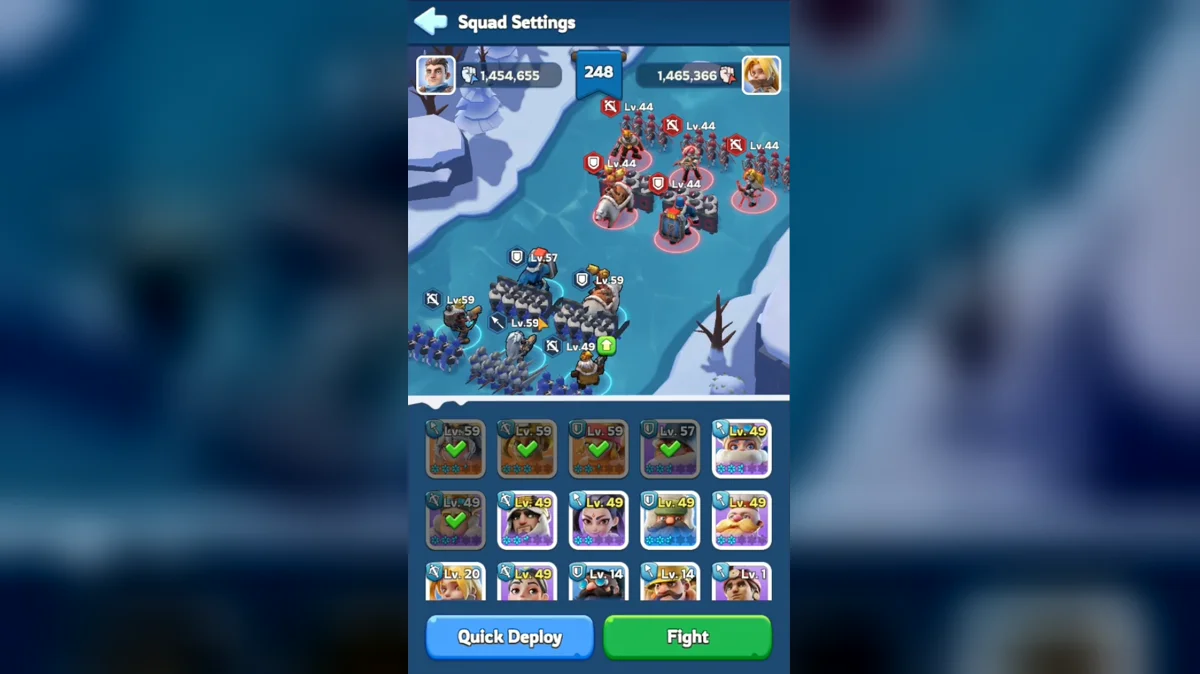
Troop Formation Basics
Read every ratio in the order Infantry, Lancers, Marksmen. The community starting formation is 50/20/30. It is a practical baseline for comparing results, rather than a promise that it beats every enemy. Keep the proportions tied to a single march: the troops left in your city and the troops used in another march do not belong in the same percentage calculation.
The troop overview explains the counter cycle and the shared tier ladder. Matchups are only part of formation planning. Hero Expedition skills, equipment, research and the opponent's army can change the best split. A class advantage does not remove the need to compare the troops and bonuses actually participating in a battle.
Pick the task before choosing a saved formation. A rally attack, city garrison and damage-focused event have different goals. Also separate the number of troops you own from the number you send. Training enough of a class to fill several activities is an account-planning question; selecting the next march is a narrower choice.
The table gives recommended starting points and alternatives. Each row totals a full march. Alternative rows belong to different setups or recommendations, so compare them as complete formations rather than taking the largest share from each row. Where a hero-generation condition is listed, keep it attached to that formation.
| Activity or role | Infantry | Lancers | Marksmen | How to use it |
|---|---|---|---|---|
| Starting formation | 50% | 20% | 30% | community recommendation, not the in-game default |
| PvP rally | 50% | 20% | 30% | Alternative recommendation |
| PvP rally | 40% | 10% | 50% | Alternative recommendation |
| City garrison | 60% | 20% | 20% | Alternative recommendation |
| City garrison | 60% | 40% | 0% | Alternative recommendation |
| Bear leader | 10% | 10% | 80% | generic recommendation |
| Bear leader | 1% | 19% | 80% | generic usual split |
| Bear leader | 20% | 30% | 50% | Gen 1 Jeronimo/Molly/Zinman |
| Bear joiner | 0% | 0% | 100% | Alternative recommendation |
| Bear joiner | 10% | 30% | 60% | Gen 1-2 |
| Bear joiner | 1% | 19% | 80% | Alternative recommendation |
| Foundry Battle | 50% | 20% | 30% | starting point; adjust each squad to heroes |
| State of Power | 50% | 20% | 30% | Starting recommendation |
| Crazy Joe city | 90% | 10% | 0% | Starting recommendation |
| Crazy Joe HQ wave 10 | 30% | 70% | 0% | Alternative recommendation |
| Crazy Joe HQ wave 10 | 100% | 0% | 0% | Alternative recommendation |
| Crazy Joe HQ wave 20 | 60% | 40% | 0% | Alternative recommendation |
| Crazy Joe HQ wave 20 | 75% | 0% | 25% | Alternative recommendation |
| Labyrinth | 50% | 20% | 30% | Alternative recommendation |
| Labyrinth | 45% | 10% | 45% | Alternative recommendation |
| Labyrinth | 55% | 15% | 30% | Alternative recommendation |
Bear Hunt Troop Ratios
Bear Hunt formation advice depends on the rally role and hero generation. Leader options include 10/10/80 or 1/19/80 or 20/30/50. The generation-specific leader formation in the table pairs Jeronimo, Molly and Zinman. Keep that context when comparing it with more Marksman-heavy alternatives; a different hero setup is part of the comparison.
Joiner recommendations include 0/0/100 or 10/30/60 or 1/19/80. A pure Marksman march is therefore one option to test, not a universal instruction that makes every mixed march wrong. The Bear Hunt page covers the event and hero roles. Use it to coordinate who starts rallies and who fills them before comparing formation damage.
Guides recommend experimenting with the troops you have available. Compare results from similar attempts and note the leader or joiner role alongside the troop mix. If you change the hero lineup at the same time, the next damage result no longer isolates the effect of the ratio. Record those changes separately before deciding which saved march to keep.
PvP Rallies and Garrison
For attacking rallies, guides suggest 50/20/30 or 40/10/50 as alternatives. Scout the enemy and follow the alliance's requested troop mix. The request may differ from the baseline because the leader is planning around a particular defender, rally setup or set of developed troop attributes.
Garrison recommendations include 60/20/20 or 60/40/0. Both listed choices emphasize Infantry, but they distribute the remaining troops differently. Keep each recommendation intact during a comparison. A garrison ratio is not proof that the same setup will perform equally in a rally attack, where the target and task differ.
For State of Power, alliance calls and scouting take priority over a generic saved ratio. Guides offer 50/20/30 as a starting formation, with adjustments for the enemy. The State of Power guide explains the wider event. Confirm the current assignment before filling a rally with a formation saved for an earlier opponent.
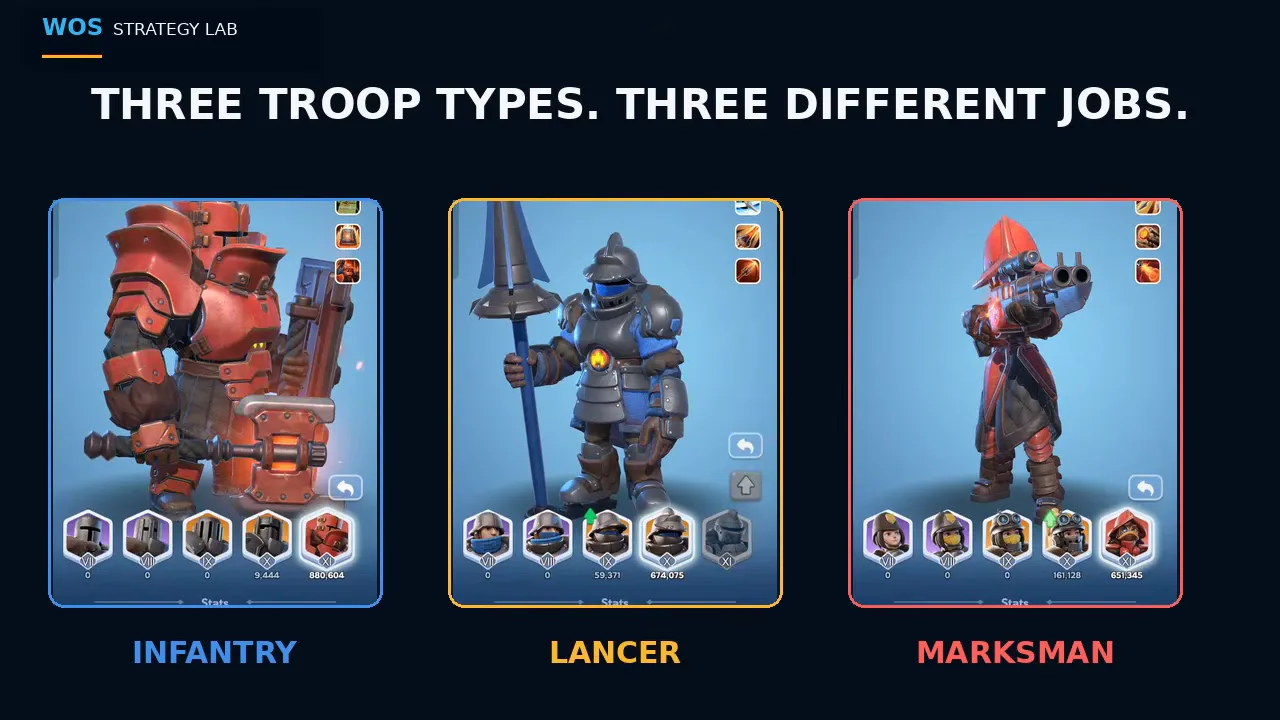
The video explains why a ratio copied from another player can fail on your account and how to test a split with your own heroes and battle reports.
Crazy Joe Reinforcements
Crazy Joe separates city reinforcement advice from HQ wave advice. Guides suggest 90/10/0 for city reinforcements. That is a specific event recommendation, so keep it separate from the usual city-garrison formation you use against other players. The word defense alone is too broad to identify the right march.
For HQ wave 10, the listed alternatives are 30/70/0 or 100/0/0. At wave 20, they are 60/40/0 or 75/0/25. These choices differ substantially, so use the alliance's HQ plan rather than swapping between them without coordination. Confirm the wave and destination before sending a preset.
Open the Crazy Joe instructions for the reinforcement schedule and role details. A march saved for a city assignment should have a different label from one saved for HQ. Keeping that distinction visible reduces the chance of sending a reasonable formation to the wrong task.
Labyrinth and Foundry Formations
Labyrinth starting recommendations include 50/20/30 or 45/10/45 or 55/15/30. The choice can vary with zone, account and stage. Guides recommend opening the battle report after a fight, checking which class dealt damage and which line ran out first, then adjusting. If the front line fails early, consider adding Infantry before assuming that a larger ranged share is the answer.
Use the Labyrinth guide to connect formation choices with zones and progression. The Research Center zone also belongs to this event, so a formation discussion for it should keep the stage context. A successful setup in one zone is a candidate to test elsewhere, not a guaranteed solution for every stage.
Foundry Battle guides use 50/20/30 as a starting point and recommend adjusting each squad to its heroes. Coordinate that choice with the alliance's task assignments. The Foundry Battle plan covers those objectives; a formation comparison is useful only when it serves the job your march has been assigned.
Adjusting Your March
Command Center upgrades and hero levels increase deployment capacity; research can increase it too. Recheck the capacity before converting percentages into troop counts, especially after developing heroes or the Command Center. A percentage recommendation stays the same when capacity changes, but the number of units needed to fill it does not.
For a useful comparison, keep the battle conditions as similar as practical. Record the event, target, role, hero lineup and formation. Compare the result with the earlier attempt, then change one part of the setup. This separates a troop-ratio choice from an equipment improvement or a different opponent.
When a class repeatedly limits the formation you want to use, inspect that class's development as well as its percentage. The Infantry upgrades, Lancer skills and heroes and Marksman equipment options explain the separate branches. More units and stronger units are different ways to change a march, so decide which problem the next upgrade addresses.
Frequently Asked Questions
What does a 50/20/30 troop formation mean?
Read it as Infantry, Lancers, then Marksmen: half the march is Infantry, one fifth is Lancers and the remaining share is Marksmen. It describes the troops inside that march, not your entire account inventory. If your alliance requests a different split for a rally, calculate the requested class counts from the capacity of the march you will send.
Is 50/20/30 the game's default setting?
It is a community starting recommendation. Keep that separate from a displayed preset or automatic selection, which can show a different balance. Before sending a march, inspect the three class counts rather than assuming the current selection matches the recommendation. A preset name does not tell you whether its saved troops still match today's event assignment.
Which troop ratio should I use in Charm Mine or Gear Forge?
Treat those as Labyrinth formation questions and test against the zone and stage you are playing. Labyrinth recommendations offer several starting balances, with different Infantry and ranged shares. Inspect the battle report for the line that ran out first and the class that dealt damage, then adjust the formation instead of assuming every zone needs the same ratio.
How do I turn a percentage into troop counts?
Multiply your march's total troop capacity by each class percentage, then divide by one hundred. Check that the resulting counts fill the intended march and that the selected troops are available. Command Center upgrades, hero levels and research can change deployment capacity, so recalculate the counts when your capacity changes instead of keeping an old count as a permanent preset.
Should I change heroes when testing a new formation?
Keep the heroes stable for the first ratio comparison so you can interpret the change in the battle result. Hero Expedition skills and gear can alter which formation works best. After comparing the troop mixes, test the hero change separately. Otherwise a better result could come from the new hero rather than the new Infantry, Lancer and Marksman shares.
Read Next
Compare Hero Gear bonuses with Chief Gear development, then use the event calendar to prepare the saved formations needed for your upcoming activities.